CamoConvert: Zero-Upload Offline File Conversion
May 4, 2026
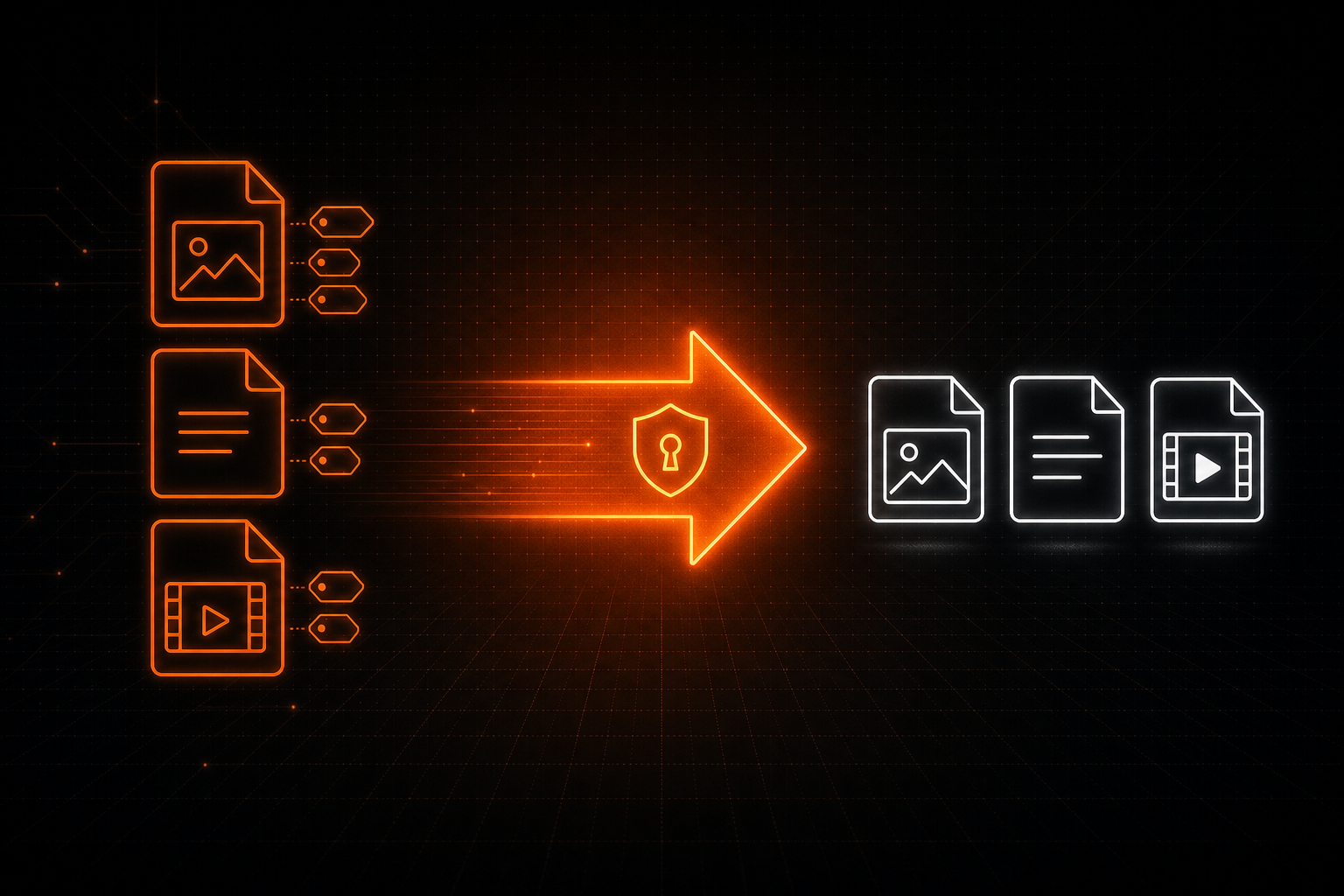
File conversions are an everyday task for professionals. An iPhone HEIC photo into a lighter, more universal format. A long PDF or .docx into Markdown, for an LLM to use more efficiently. A meeting recording or deposition video into an MP3 for transcription. A TIFF scan into a smaller PNG for a court filing or website upload.
The default option is to drop the file into the first online converter that ranks on Google and navigate through the maze of ads and download links that could easily inject malware.
It works and it's free, but professionals have a duty to be more careful. Your file is on a third-party server for some retention period, and is possibly logged, scanned, or used to train a model. For privacy-sensitive professional work, that's unacceptable.
CamoConvert is a desktop file converter that does its job fully on-device. HEIC and other image conversions, PDF and Office documents to Markdown, audio extraction from video, and metadata scrubbing on every output. No uploads, no cloud, no telemetry, and a one-time price.
What "Free" Online Converters Actually Cost
- The file leaves your machine. Even when an "in-browser" tool advertises client-side processing, most production converters fall back to a server upload for anything beyond the simplest formats. Your photo, contract, scan, or recording reaches a remote disk.
- Retention you didn't write. Free converters routinely keep uploaded files for an unspecified window "to improve the service." Policies change, companies get acquired, breaches happen. Your file is part of someone else's risk profile.
- Embedded metadata travels with the upload. The file you uploaded carries EXIF tags, GPS coordinates, camera serial numbers, document author, last editor, revision history, and timestamps. The converter sees all of it.
- Malware-laden imitators. Search engines surface dozens of file-converter sites; in 2025 the FBI's Denver field office issued a public warning about malicious file-converter websites delivering malware and harvesting personal data from uploaded files.1
- Ad-saturated, hostile UIs. The "extract audio from video" experience in particular is a maze of fake download buttons, popups, and confusing CAPTCHAs designed to misroute your click.
- Connectivity reliance. Flaky Wi-Fi, a VPN or firewallthat blocks the endpoint, or a locked-down corporate or government laptop, breaks the workflow.
None of this is hypothetical. A law firm uploading a client's records to a random tool is sacrificing confidentiality and potentially privilege. A journalist uploading a source's photo with intact GPS EXIF is potentially deanonymizing their source. A clinic converting an audio recording on a free site is shipping protected health information to a vendor it never vetted.
The Hidden Layer: EXIF and Document Metadata
Photos, documents, audio, and video all carry embedded metadata that can reveal sensitive information. Common examples:
- Photos: GPS coordinates, camera make and serial number, capture timestamp, lens, software version, identifying file location notes.
- PDFs and Office documents: author, organization, last editor, full revision history, comments, tracked changes, template paths.
- Video and audio: recording device, software, embedded chapters, location, software-specific tags, identifying file location notes.
Most online converters preserve some or all of that metadata in the output, because re-encoding cleanly is more work than passing it through. CamoConvert does the opposite by default: image conversions are written as fresh saves with all EXIF tags removed, and video and audio outputs are re-encoded with embedded metadata and chapters dropped. The output that lands in your Downloads folder is cleansed of the original identifying metadata.
To strip metadata without changing the file type, pick the same output format as the input. CamoConvert re-encodes the file in place, leaving you with an identical-format, metadata-sanitized version. Useful for sending a PNG that's still a PNG, or an MP4 that's still an MP4.
What CamoConvert Does
CamoConvert is a desktop app that performs every conversion locally using bundled engines. It does not initiate or accept network connections, and works in air-gapped environments. You can verify with any packet-capture tool.
or folder
(local conversion)
where you want it
No accounts, no API keys, no internet required.
Popular example use cases:
-
HEIC and EXIF. Convert iPhone HEIC photos to JPG, PNG, or WEBP, and other widely-used image formats including AVIF, ICO, ICNS, GIF, BMP, and TIFF. Every output is written fresh with all EXIF tags removed.
-
Audio out of video. Pull MP3, M4A, AAC, WAV, FLAC, or OGG straight out of any MP4, WEBM, MOV, MKV, AVI, M4V, or WMV. No uploading to ad-laden "extractor" sites. No provision of sensitive environment sounds and voice biometrics to a third party.3
-
Documents to Markdown. Turn PDF, DOCX, PPTX, XLSX, XLS, HTML, MD, and TXT into Markdown, HTML, or plain text. Particularly useful for preparing documents as lightweight, metadata-free context for an LLM.
File Conversion Software Comparison
Most tools fall into one of two camps: free online converters with all the privacy concerns above, or expensive, narrow desktop suites that solve only one corner of the problem. Here's how CamoConvert lines up against representative options at the time of writing.
| Tool | Processing | Coverage | Metadata stripped by default | GUI + CLI | Pricing |
|---|---|---|---|---|---|
| CloudConvert | Cloud-based | Broad (images, video, audio, docs) | No (preserved by default) | API or web app | Subscription / metered minutes |
| Smallpdf / iLovePDF | Cloud-based | PDF-centric only | No | Web app | Freemium + subscription |
| Convertio / Online-Convert | Cloud-based | Broad | No | Web only | Freemium + subscription |
| Adobe Acrobat Pro | Local (mostly) | PDF only | Manual scrub | GUI only | ~$20 / month |
| Handbrake | Local | Video only | Partial | GUI + CLI | Free / open-source |
| ImageMagick + FFmpeg + ExifTool | Local | Broad if scripted | Configurable | CLI, technical sophistication required | Free / open-source |
| CamoConvert | 100% Local | Images, video, audio, documents | Yes, on every output | GUI + bundled CLI | $19 one-time |
Cloud converters cover a lot of formats but also access all original file data. Single-purpose desktop tools solve only one slice of the problem, requiring multiple tools and complexity, and the broad ones with subscription pricing add up quickly. Free open-source CLIs require some setup and technical sophistication, and can be subject to supply chain attacks.
CamoConvert sits in the small intersection: broad coverage, fully local, default metadata scrubbing, GUI plus CLI, and a one-time price. It's aimed at professionals that want simple, maximal privacy and anyone who would rather download an intuitive tool than stitch several options together or hand files to a remote server.
Featured Conversions
HEIC photos to JPG, with EXIF gone
iPhone photos default to HEIC, which still confuses a lot of older software, email systems, and case-management tools. The natural workflow is to convert to JPG before sending. The natural mistake is to do it on a free website with the GPS coordinates of the photo's location embedded in the upload.
With CamoConvert, drag the HEIC into the drop zone, pick JPG (or PNG, WEBP, AVIF, etc), and save. The output has all EXIF tags removed, including GPS, camera serial, and capture timestamp. Same flow for batch folders of holiday photos, source images for a journalist, or evidence shots for a legal exhibit.
PDFs and Office docs to Markdown for AI
LLMs ingest plain text and Markdown more reliably than binary PDFs or DOCX, and Markdown is dense and cheap on tokens. The usual options are either to paste a PDF into the chat (with the metadata intact, and high token usage to extract the text) or to upload it to a "PDF-to-text" website that may keep a copy.
CamoConvert extracts the text content of a PDF, DOCX, PPTX, XLSX, XLS, HTML, MD, or TXT into Markdown, HTML, or plain text locally. Pair it with CamoText for a complete privacy-first AI prep pipeline: convert documents to Markdown locally with CamoConvert, then redact PII locally with CamoText, then paste into ChatGPT, Claude, or any model.
Audio extraction from video, without the sketchy site
Pulling an MP3 out of an MP4 is one of the most common conversion needs and one of the worst online experiences. The top results are ad-saturated extractor sites with confusing fake-download buttons, often paid affiliates of the malware-distributing converter networks the FBI flagged.1
In CamoConvert, the workflow is the same as any other conversion. Drag in any MP4, WEBM, MOV, MKV, AVI, M4V, or WMV. Pick MP3, M4A, AAC, WAV, FLAC, or OGG. Convert. Done.
Batch mode for folders
Drop a folder onto the drop zone and CamoConvert opens a Batch Convert dialog: a per-file table with its own output-format dropdown for each row, a single Output Folder picker (or save beside each input), and a single conflict prompt before the run starts. Batch is bounded by design (top-level files only, up to 250 files or 10 GB per run) so it stays predictable on a normal laptop. For recursive folder runs, fall back to the CLI.
The Headless CLI
Every Pro install ships with camoconvert-cli.exe alongside the GUI. Same engines, same defaults, scriptable. It's well-suited to folder watchers, build pipelines, and AI-agent workflows that need to clean and convert files before passing them downstream.
camoconvert-cli -i .\photo.heic -o .\photo.jpg

camoconvert-cli --input-dir .\incoming --output-dir .\converted ^
                --format webp --recursive

camoconvert-cli -i .\report.pdf -o .\report.md --json
The CLI supports recursive batches, parallel workers, conflict policies (fail, overwrite, rename), extension filtering, dry runs, and a --json mode that emits a machine-readable result entry for each input. Full reference in the User Guide.2
Privacy Tradeoff, Side by Side
- Files uploaded to a third-party server
- Retention windows you did not negotiate
- Embedded EXIF and document metadata travels with the upload
- Risk of malware-laden imitator sites
- Subscriptions, account creation, ads, popups
- Useless on a plane, a VPN, or a locked-down laptop
- Files never leave your machine
- No accounts, no API keys, no telemetry
- EXIF and embedded metadata stripped on every output
- Bundled engines, pinned versions, no PATH fallback
- One-time purchase, free updates for one year
- Works in air-gapped environments
The CamoSuite Pre-AI Privacy Layer
CamoConvert is part of the CamoText family of offline, professional-grade privacy tools. Where CamoText handles document anonymization and CamoVoice handles voice typing and transcription, CamoConvert handles the conversion side of the same workflow: locally turning photos, documents, videos, and audio into clean, metadata-free outputs.
A representative end-to-end pipeline for AI prep, all on one machine, all offline:
(to Markdown / MP3)
(redact PII / transcribe)
Files never leave the machine until the model sees the cleaned, redacted text.
Why This Matters
File conversion looks like a small, throwaway task, which is exactly why it tends to be the leakiest step in a professional workflow. People are careful about what they put in their CRM, what they send by email, what they paste into an AI prompt. The file they fed to a free converter ten minutes earlier rarely gets the same scrutiny.
CamoConvert closes that gap. It is the conversion utility for people who treat their files as confidential by default: legal and medical professionals, journalists and their sources, public sector workers, and anyone preparing documents and media for AI use. Convert on-device without adding privacy exposure in a simple, friendly interface, and continue your work.
Endnotes
- FBI Denver Field Office, public service announcement on malicious file-converter websites distributing malware and harvesting uploaded data, March 2025.
- CamoConvert User Guide (GUI & CLI): https://camotext.ai/camoconvert/userguide.html
- CamoVoice, private offline transcription, on the many privacy concerns of audio files: https://camovoice.com/private-transcription